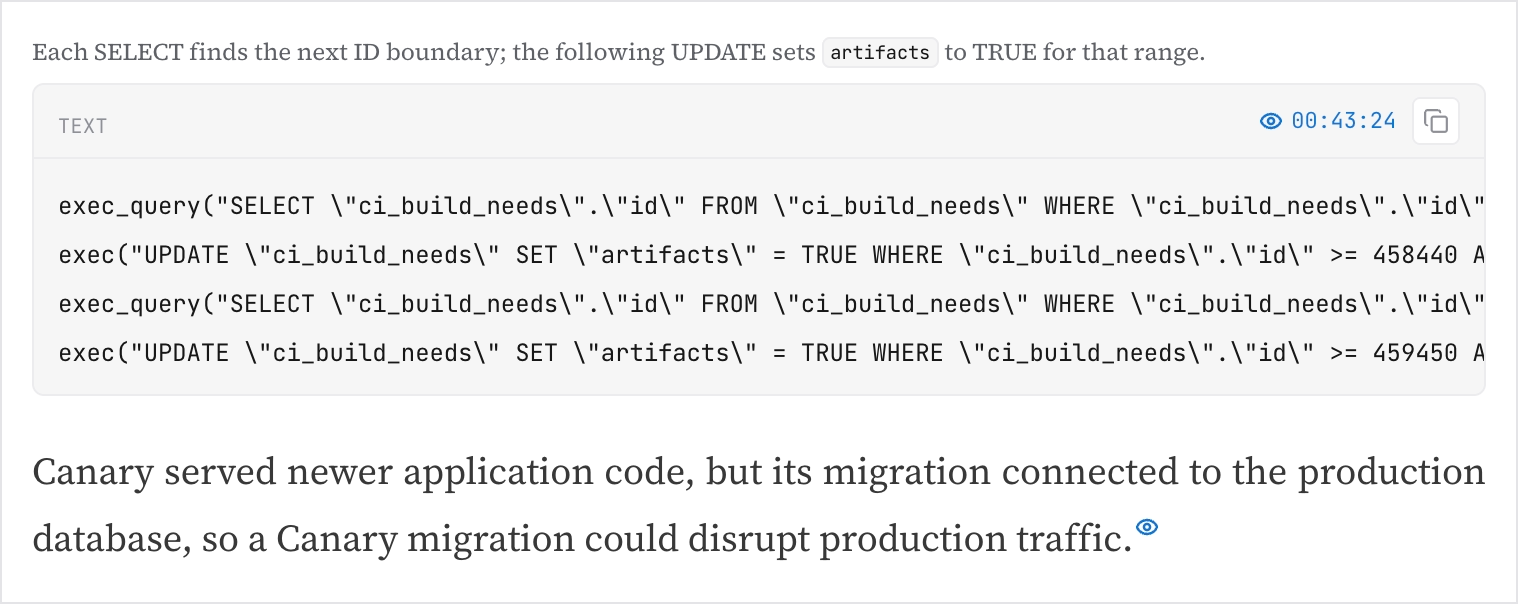
Generating a document
From any meeting, click Create a document, pick a template, optionally add an instruction for this particular recording ("focus on the migration part", "address it to the customer's CTO"), and click Generate. Ciev reads the whole recording and writes the document, citing the moment each point came from and embedding clips and screenshots where they help. Any member can do this; it draws on your plan's monthly document allowance.
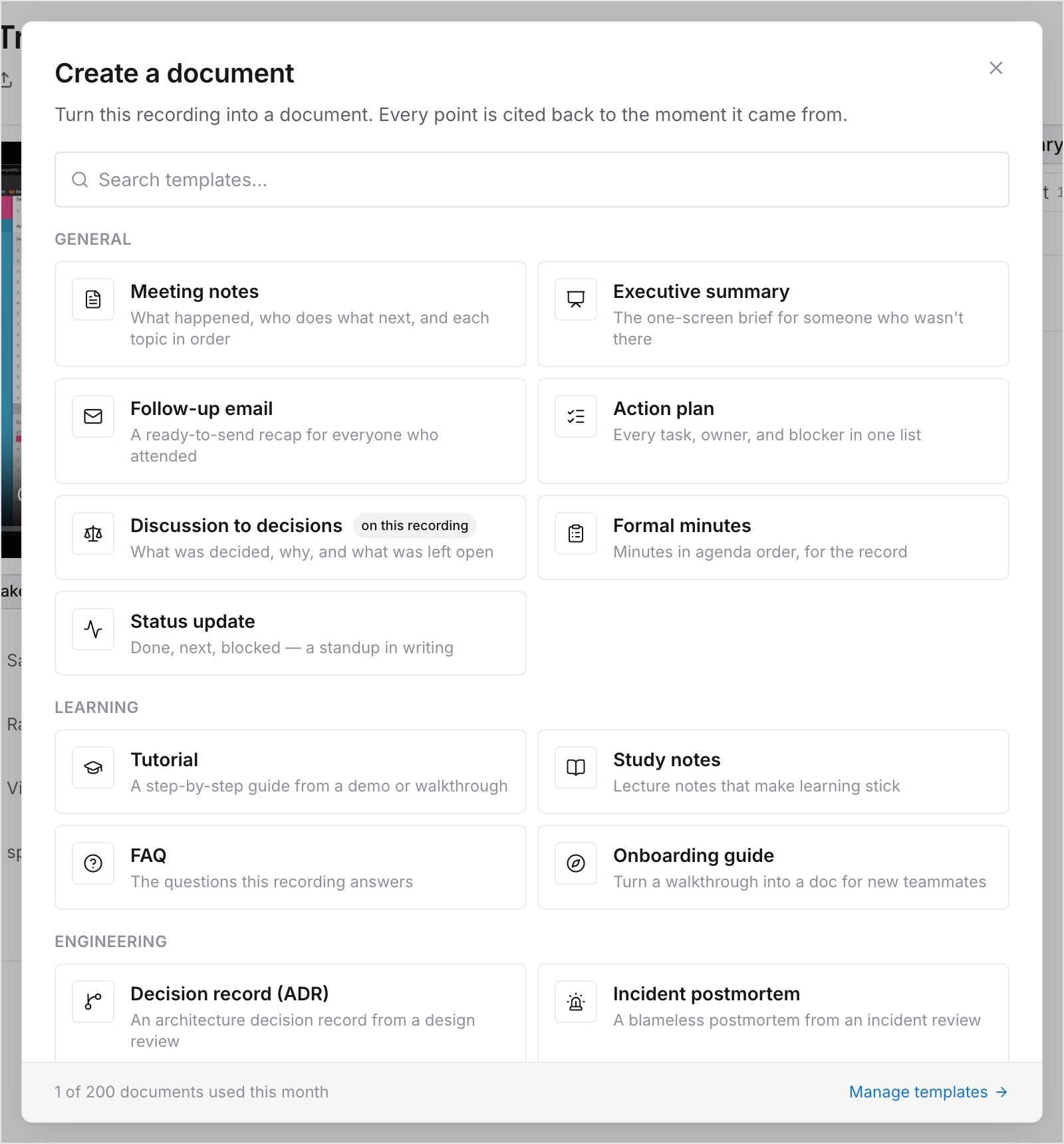
Everything you generate is listed under Documents in the sidebar, and under the meeting it came from. Documents can be regenerated, deleted, and published to a public link like anything else.