Meetings
Meetings lists every recording that finished ingesting and is visible to you. Click one to open it.
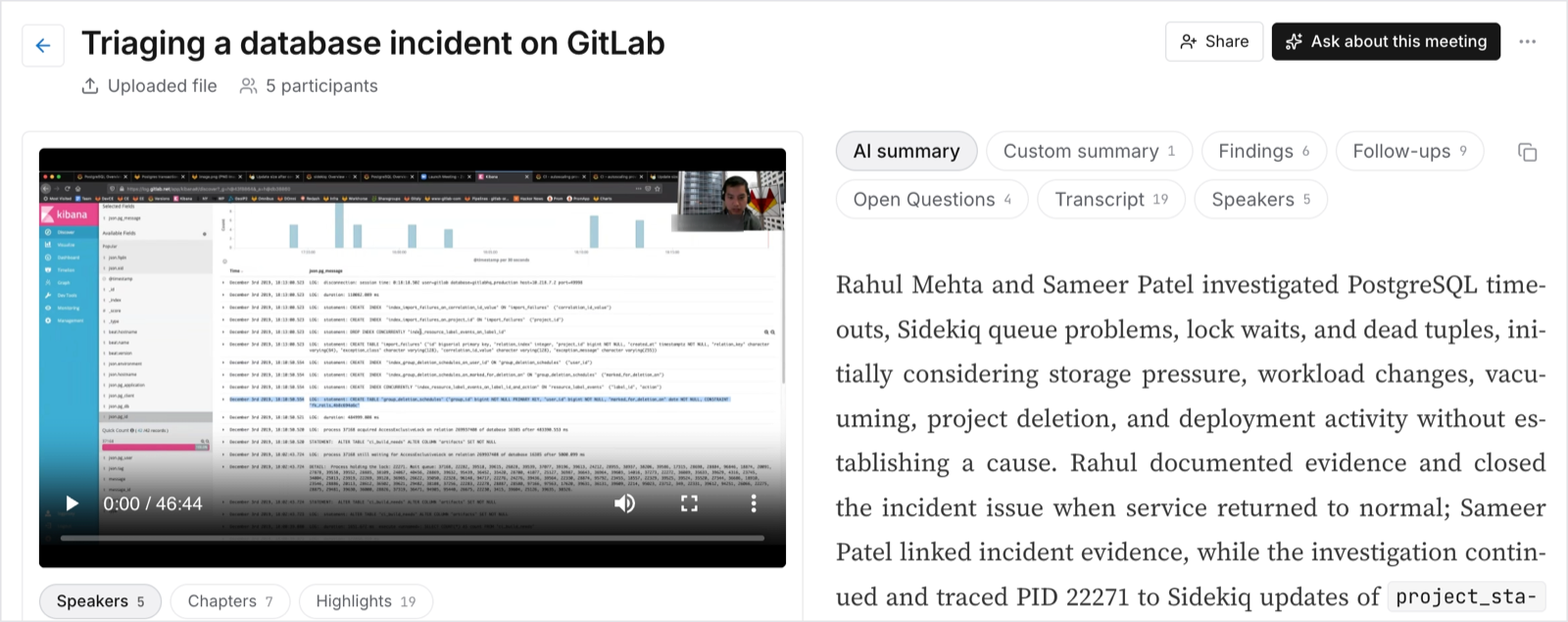
A meeting page gives you:
- The video, with the transcript and frames aligned to it. Click any timestamp anywhere on the page to jump the player to that moment.
- Tabs for the AI summary, the full transcript, the extracted lists, and Speakers.
- Ask about this meeting, a chat scoped to that one recording (see Chat).
- Who can see this recording, the visibility control described in People and roles.