Getting started
Seven steps, about twenty minutes, most of it spent waiting for one recording to process. Do it yourself before inviting anyone, so your team arrives to a workspace that already has something in it.
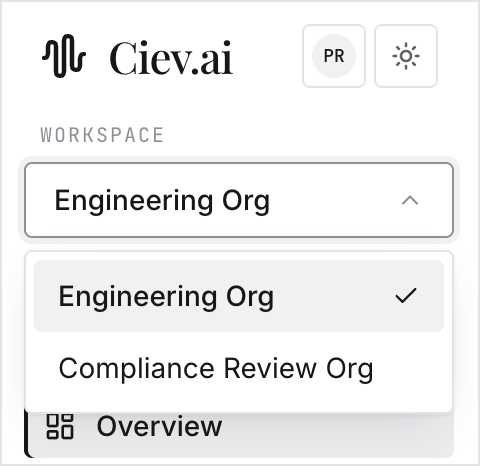
Name your workspace
Sign in at ciev.ai, then Organization → Workspace
name. A workspace called you@company.com's workspace is the first thing
your team will see otherwise.
Write your organization context
Still on Organization. A few lines on what your company builds, your product names, and the acronyms your team uses.
Two minutes, and the highest-leverage thing on this list: Ciev reads it before it transcribes technical terms and before it writes any digest or document.
Add one recording
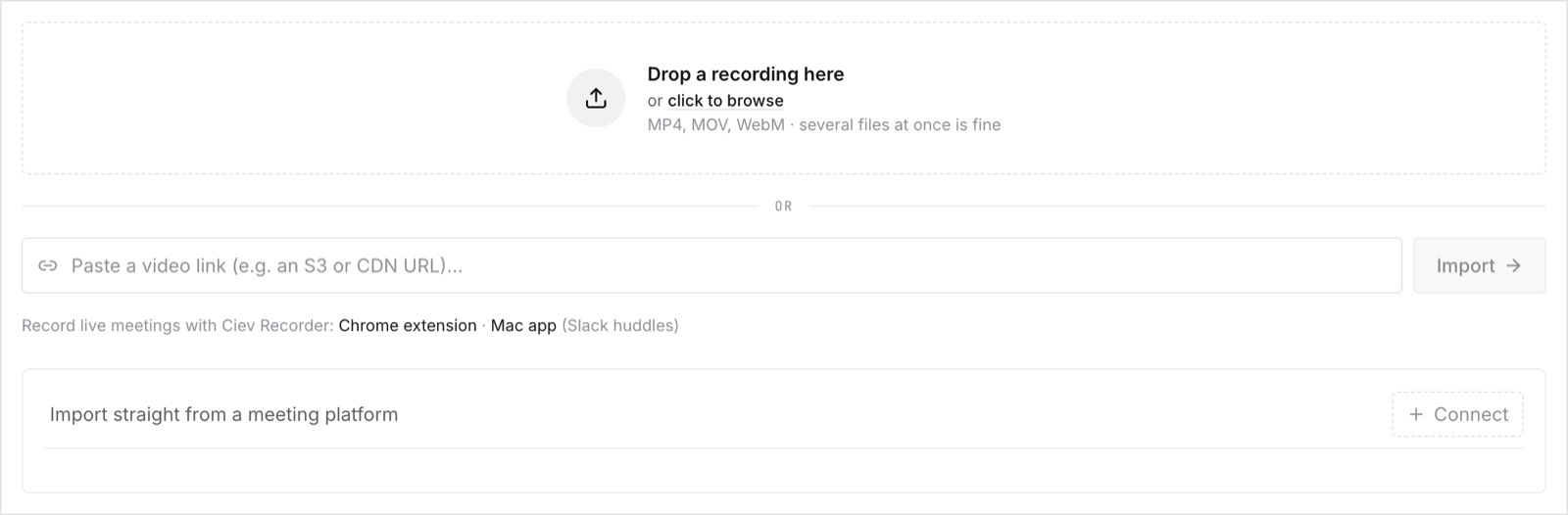
Sources → drop a file in. Uploading is the fastest way to see the product work, and connecting Zoom or Google Meet can wait until you know you want it.
Pick a meeting with a screen share in it. That is where Ciev differs most from a transcript tool, so it is the fastest way to see whether this is for you.
Name the speakers
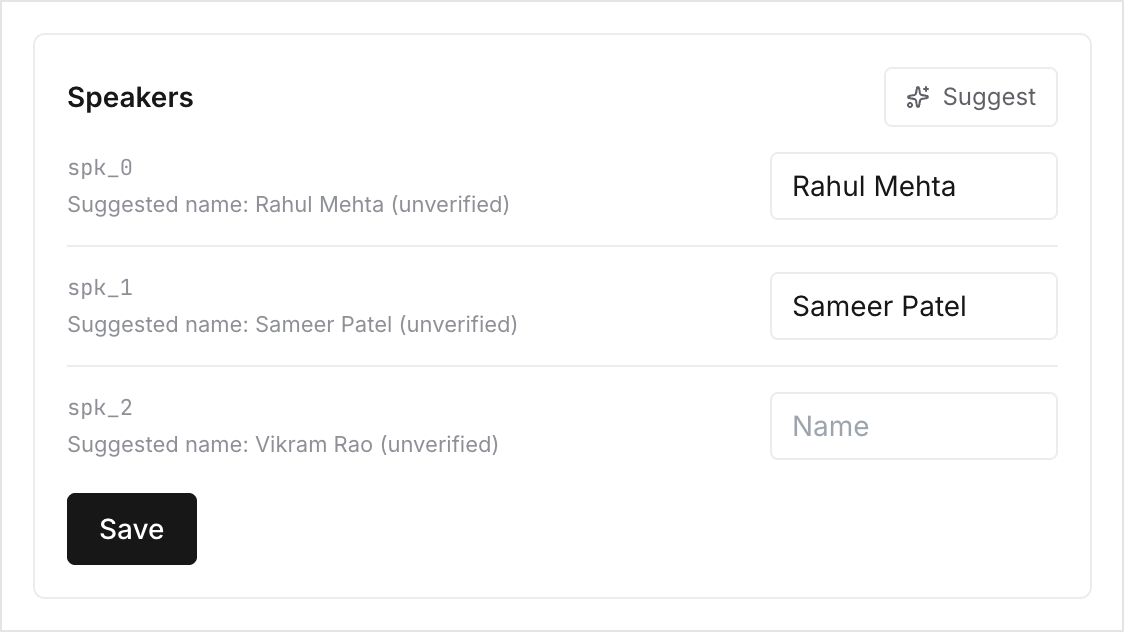
When the recording appears under Meetings, open the Speakers tab, click Suggest, correct what it proposes, and Save.
Do this before you generate anything. Names flow into the digest, every document and every citation, and naming later does not go back and fix what you already made.
Read the digest
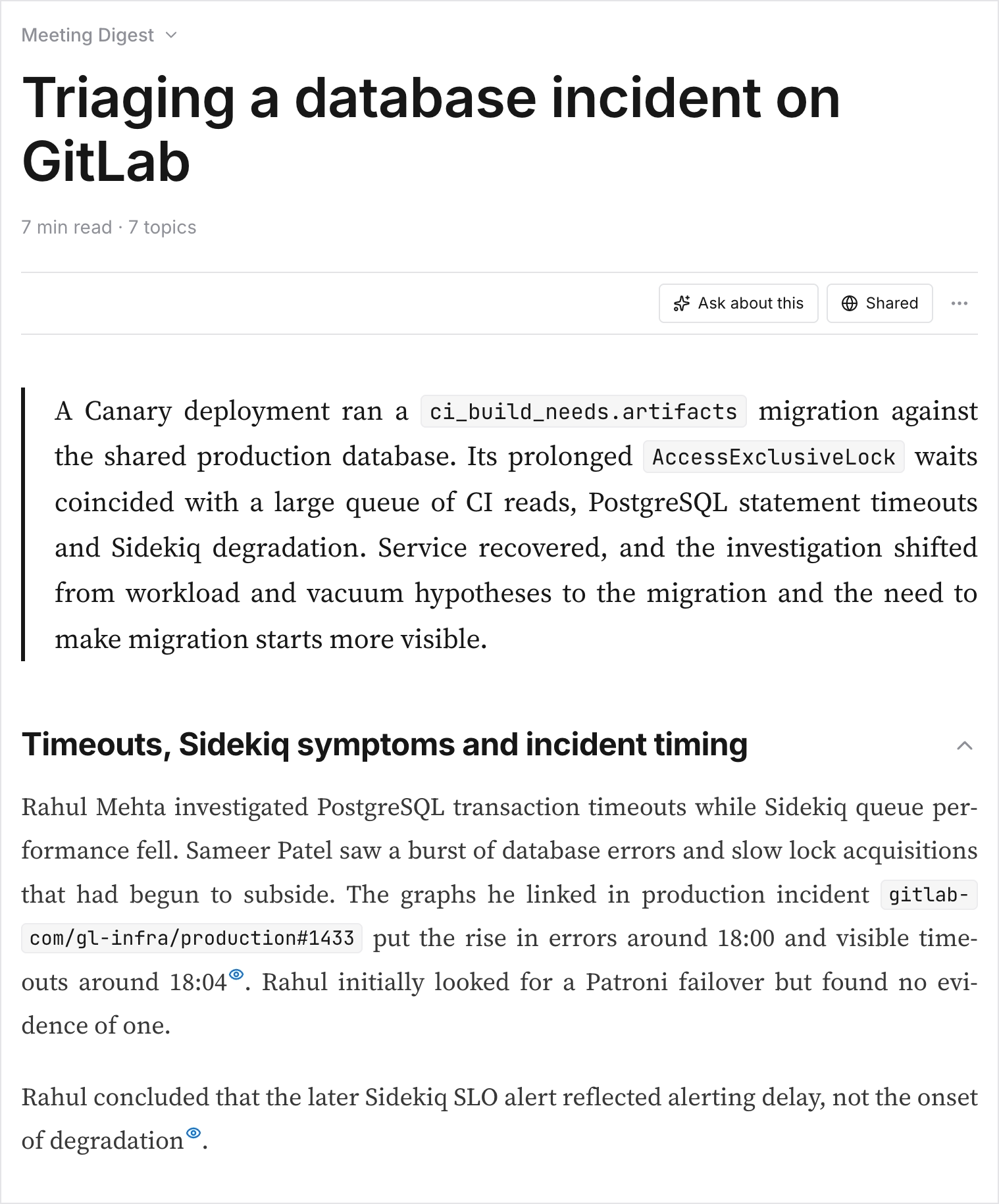
Meeting Digest is where you find out whether Ciev understood the meeting. Click a timestamp and check it lands on the right moment.
Ask it something
In Chat, ask a question you already know the answer to. You are testing the citations, not the prose: click one and confirm the evidence is really there.
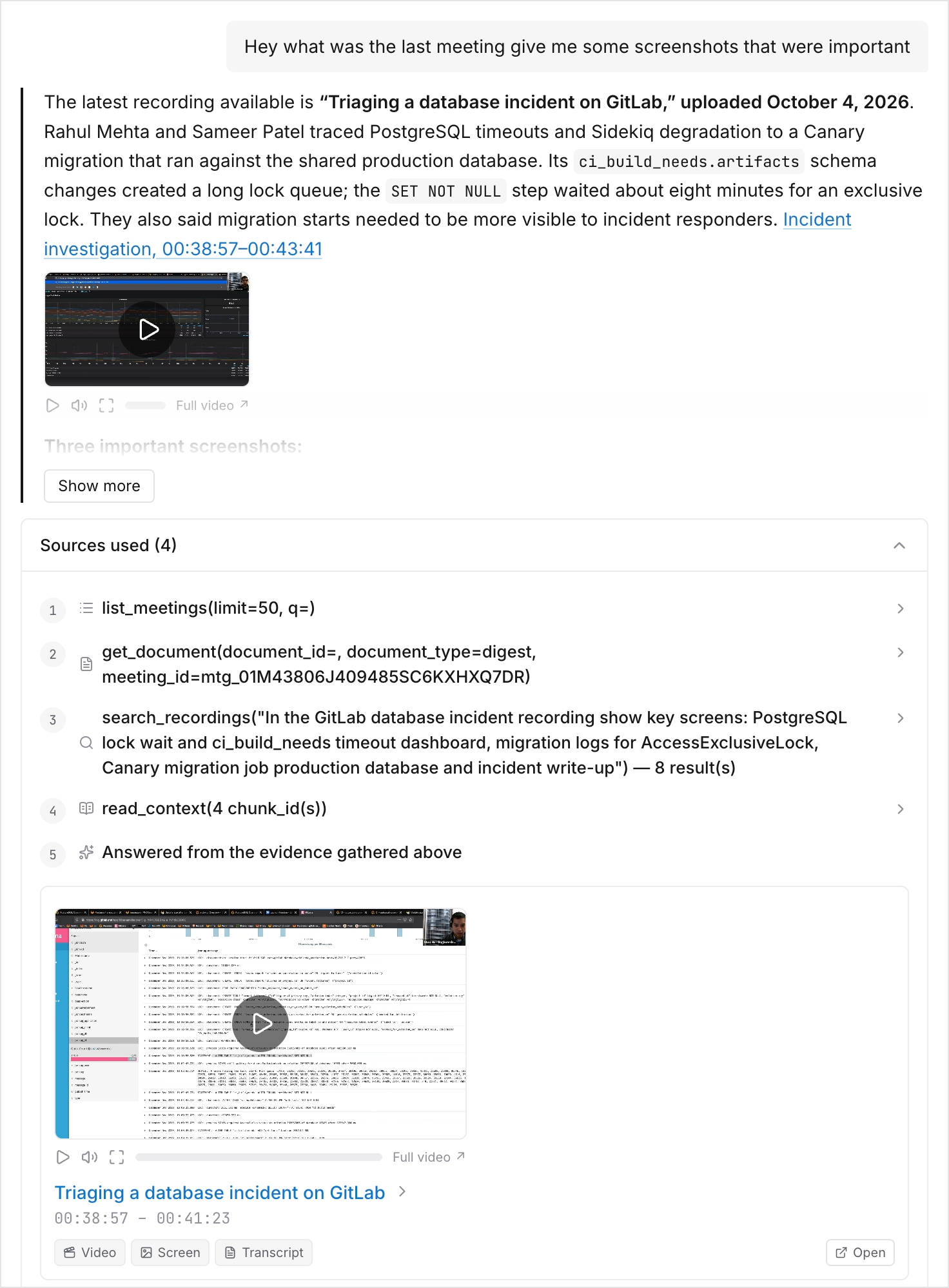
Connect Claude
In Claude, Settings → Connectors → Discover, find Ciev, connect. Now ask Claude the same question.
This is the point of the product. It is worth seeing once before you roll it out to anyone.
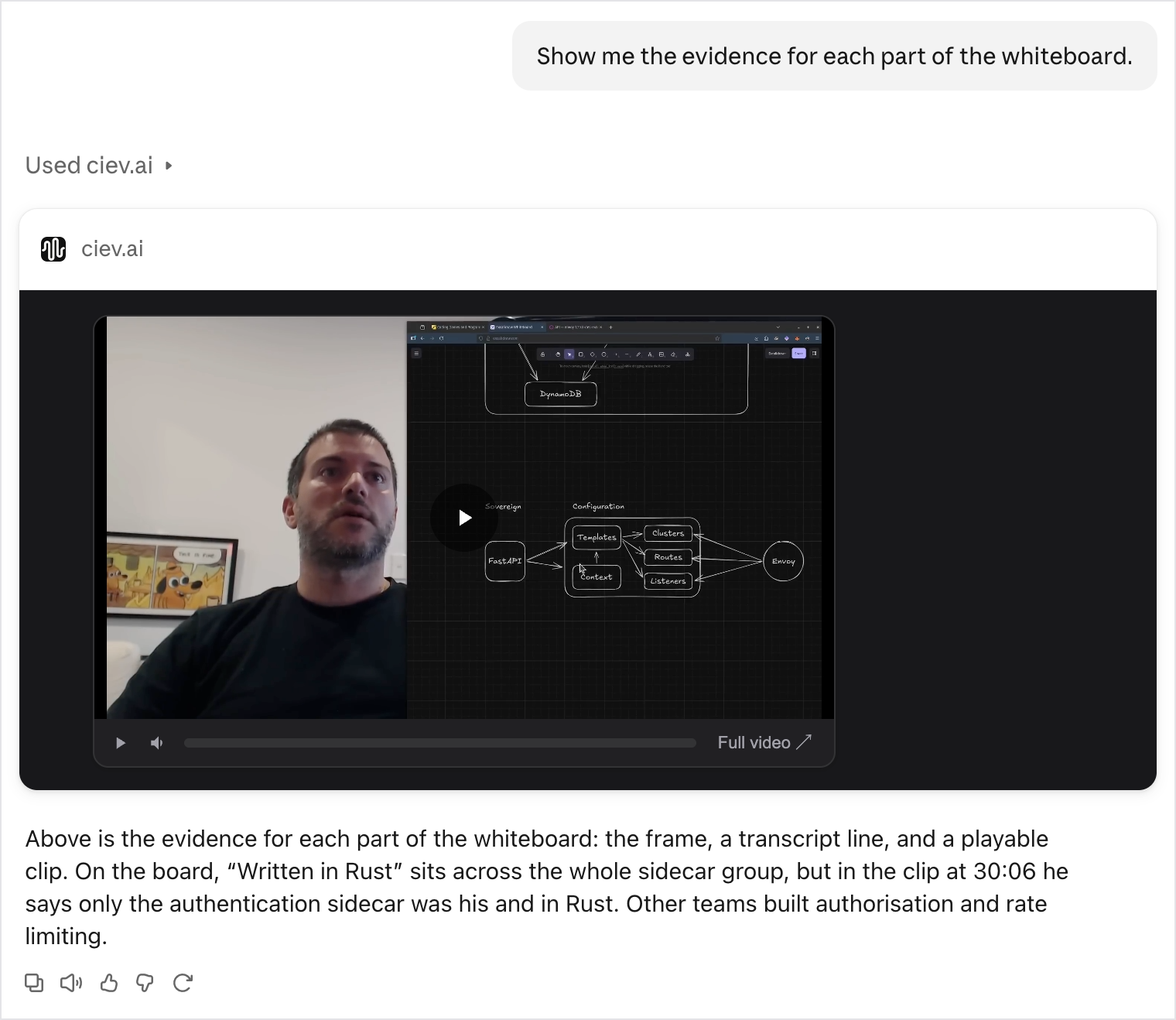
Then invite your team
Organization → Invite, and give each person a role. The role decides what they can change, not what they can see:
| Role | Pick it for | They can't |
|---|---|---|
| Member | Almost everyone: engineers, PMs, designers | Change templates, connected sources, public links or the member list |
| Admin | Whoever runs Ciev for the team, and owns the bill | Change anyone's role, or rename the workspace |
| Owner | The one person accountable for the workspace | Nothing; the Owner can do everything |
Every role reads everything the workspace can see, adds recordings, generates documents and uses Chat, so starting people as Members costs them nothing. People and roles has the full matrix.
If the digest disappointed you at step 5, it is almost always one of two inputs: the organization context, or the speaker names. Fix those, then have an Admin regenerate the digest.