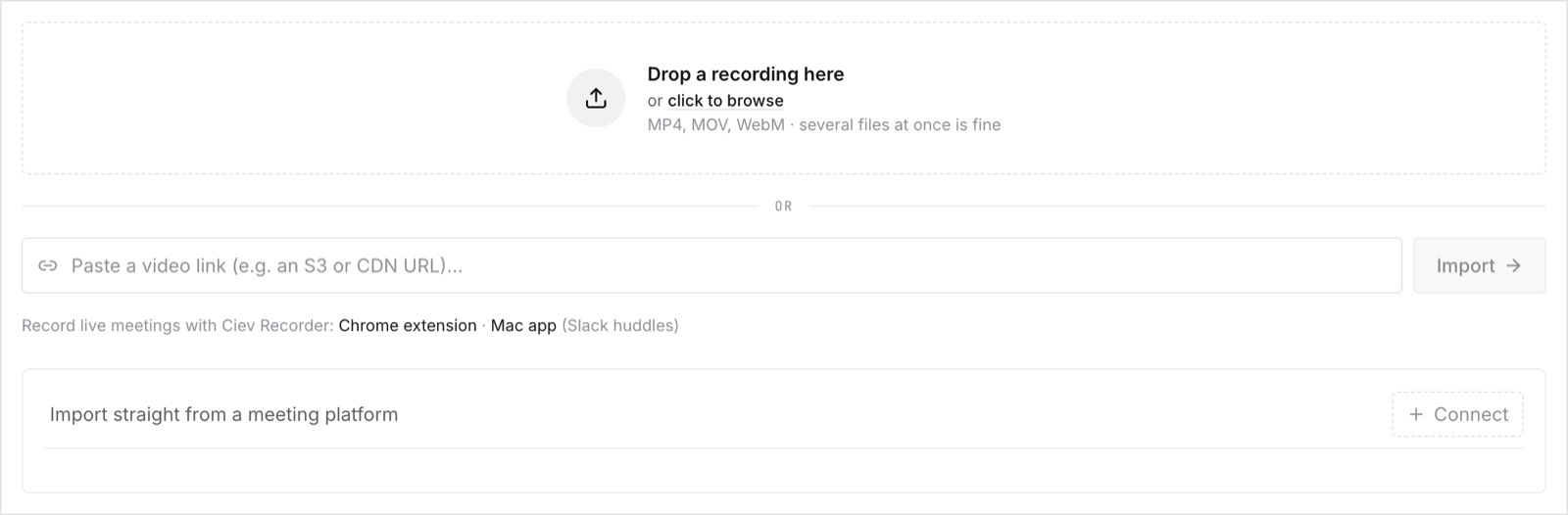
Adding recordings
Open Sources in the sidebar, under Library. There are four ways to get a meeting into Ciev.
The one prerequisite: the meeting has to have been recorded. Ciev reads recordings. It does not sit in your calendar and join calls on its own. If a meeting was never recorded, there is nothing for Ciev to ingest. Before you rely on a connected source, make sure recording is actually turned on for the meetings you care about. For Zoom that means cloud recording, not local-to-my-laptop recording, which Ciev cannot reach. The easiest habit to build is to turn on automatic recording for the meeting types you want searchable.