The digest
Every recording gets a Meeting Digest automatically, with no action needed. It's the thing to read instead of the transcript. A digest contains:
- a short summary of what the meeting was actually about;
- Decisions: what was settled;
- Action items: who committed to what;
- Open questions: what was raised and left unresolved;
- topic sections walking through the meeting in order, with frames from the screen share where they matter.
Every line is timestamped and clickable, so a digest is never a claim you have to take on faith. Click through and watch the ten seconds it came from.
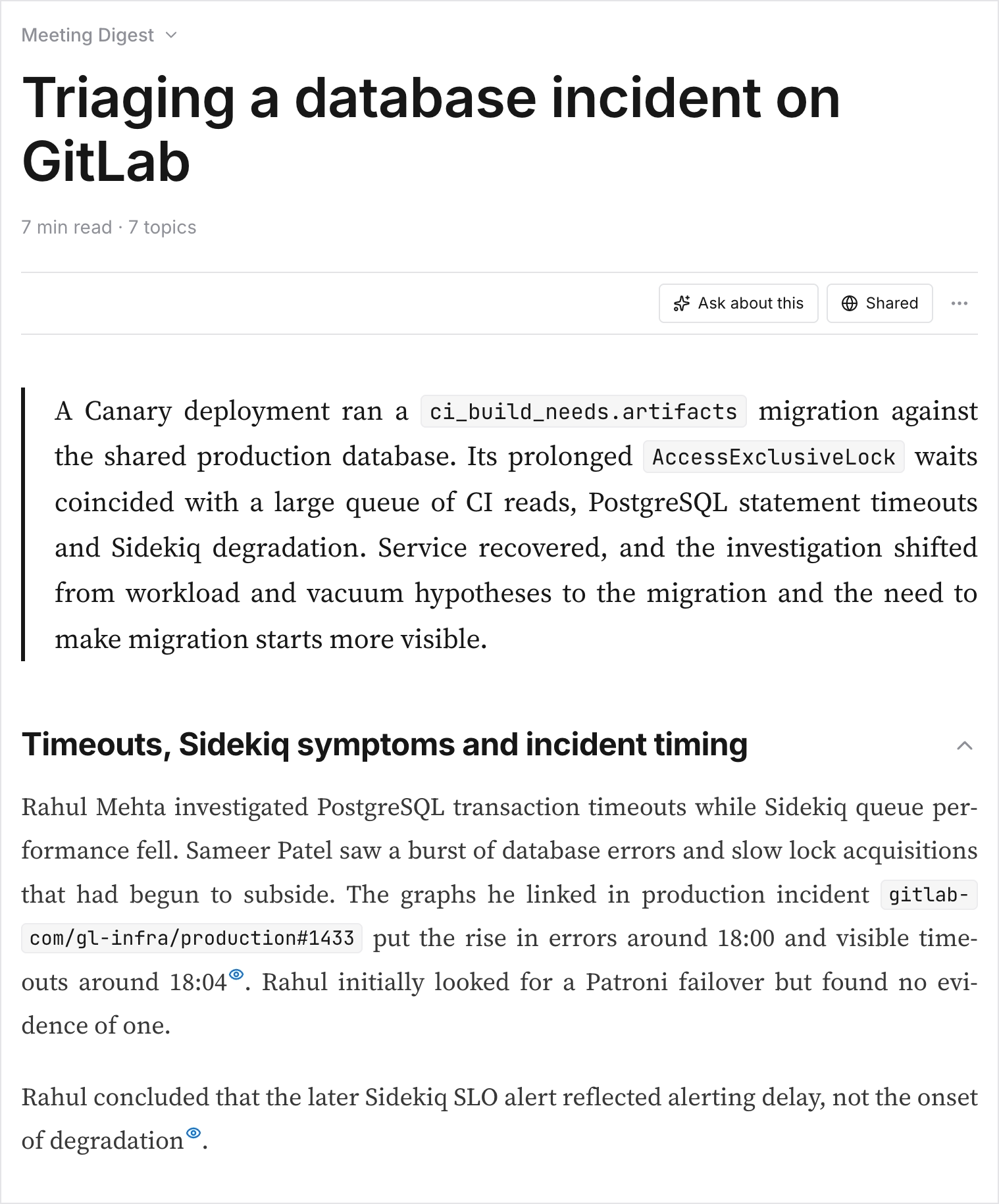
Find digests under Meeting Digest in the sidebar, or from the meeting itself. Admins can regenerate a digest, which is what you want after naming speakers, filling in organization context, or adding instructions for how this meeting's digest should read.