Public share links
Digests, documents, interview reports and chat answers can each be published to a public link, for people outside your workspace such as a client, a candidate, a contractor, or anyone without a Ciev account.
Click the share (globe) button on the page, then Publish a public link. Copy the link and send it. To stop access, open the same popover and click Revoke link. The link dies immediately.
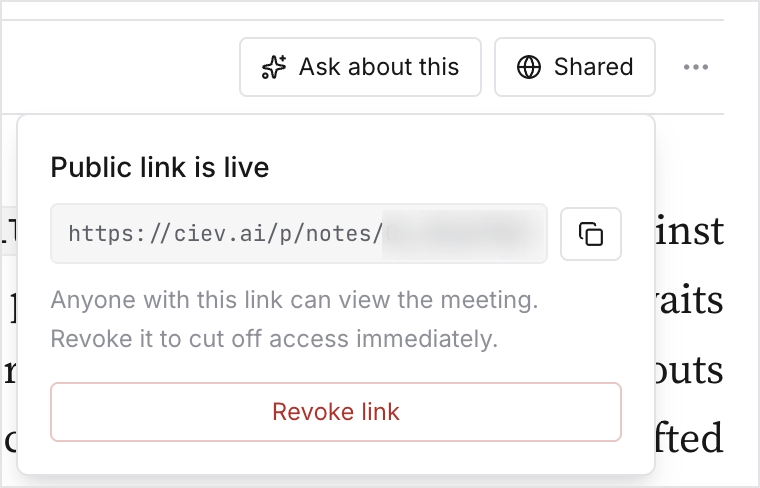
What to know before you share:
- Anyone with the link can read it. There is no sign-in and no password. Treat the link itself as the credential.
- A published digest or document does not include the raw transcript, and the recording itself stays private unless you publish the meeting separately. What you see on the page is what they get, though clips and frames the document references do play.
- Publishing and revoking are Admin and Owner actions.
- Revoking is immediate and permanent for that link. Publishing again produces a fresh one, so old links stay dead.