Search
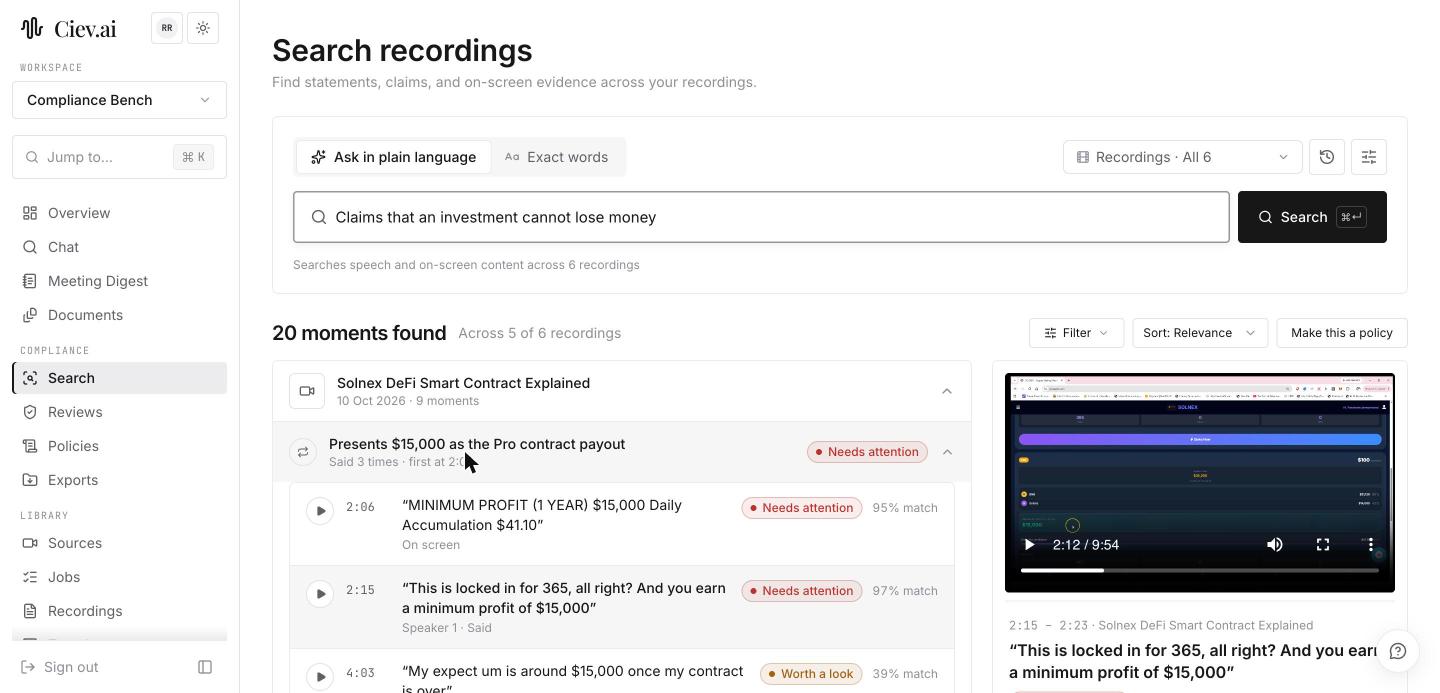
Search answers a question across recordings, rather than working through a queue. Use it when someone asks whether a thing was ever said, when you are preparing for an examination, or when a new rule arrives and you need to know your exposure before adding a policy.
Two modes:
- Ask in plain language finds moments by what they mean. Use it for "anyone promising a specific return" or "pressure to decide quickly", where you cannot list the words in advance.
- Exact words finds literal words and phrases, across both the transcript and the text on screen. Use it when the term itself is what matters.
Search is neutral. It returns what matches, not only what breaches a policy, which is why a result can point out that the compliance review flagged further moments in the same recording that don't use those words.
You can scope a search to one recording with the In: picker, and narrow it with the advanced filters. Transcript only drops the screens and searches the spoken words alone, which is the honest setting when you need to say exactly what your search covered.
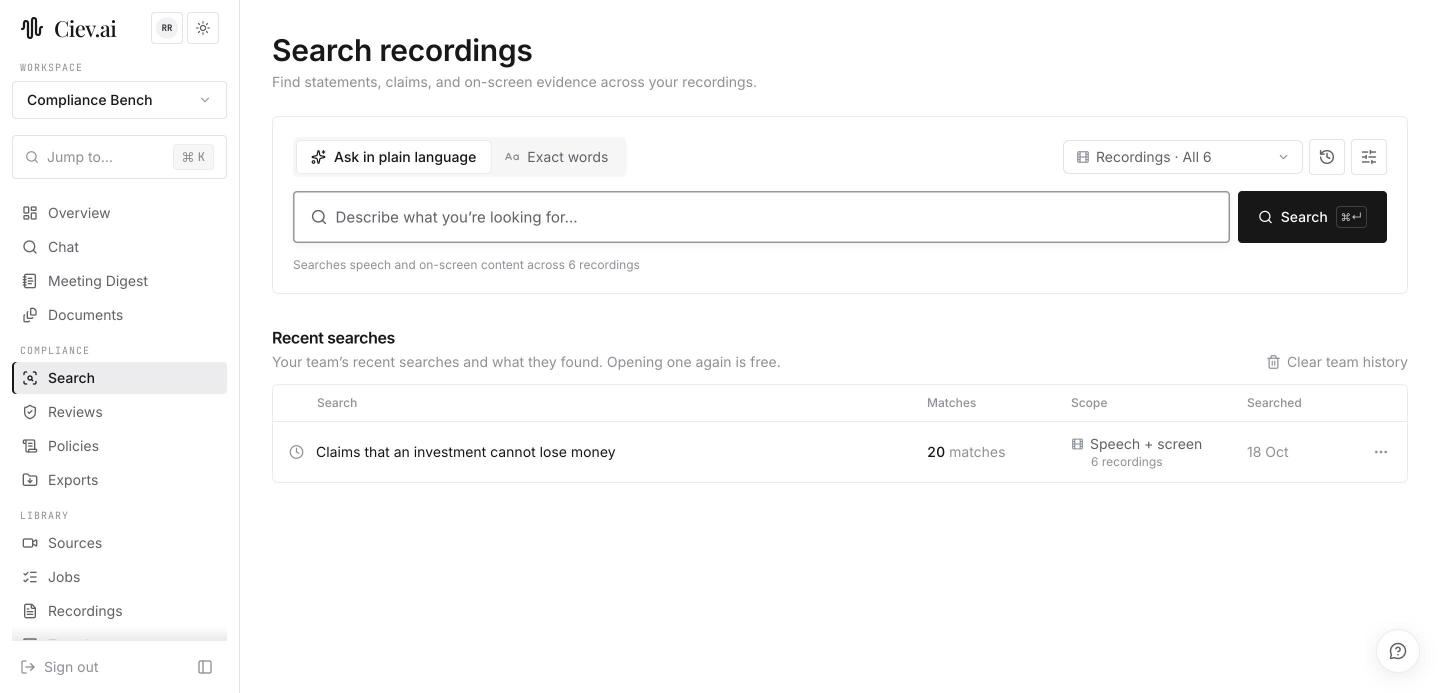
Recent searches are listed with what they found, and they are your team's, not only yours, so two reviewers don't pay for the same question twice. Opening one again is free.
When a search turns out to describe something you want checked on every future recording, Make this a policy turns it into one, which is usually how a new rule should start.